

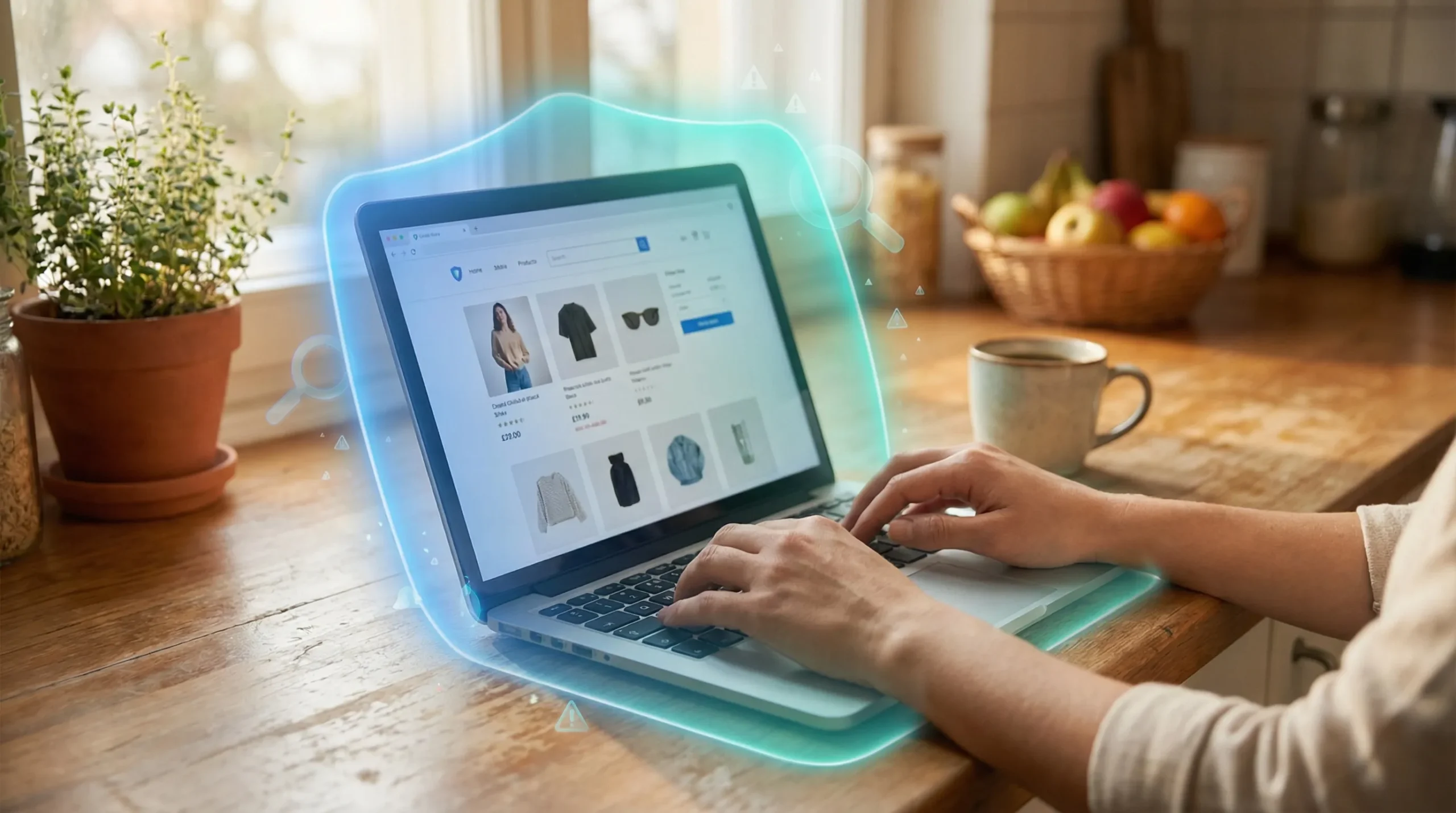
You’re scrolling Instagram and spot a pair of running shoes you’ve wanted for months, marked down 70%. Kind of surprising, right?
Check the benchmarks. The site design looks clean, the photos are crisp. At checkout that reassuring little padlock icon appears in your browser. You buy.
A week later: no tracking number, no response from support, and your bank statement shows a weird foreign charge. You’re one of millions who run into a fake e-commerce store every year. They're the single biggest threat to everyday online shoppers, and the worst part is how normal they feel. In this guide, you’ll learn exactly how to spot fake e-commerce stores.
Secure your transactions, without needing any technical skills.
TL; DR
- Fake online shops mimic real brands, often using valid SSL certificates, so a padlock isn’t a safety guarantee; always check the domain name for misspellings or strange extensions.
- Legitimate stores post clear returns, privacy policies, and a physical address; scam stores hide or fake these details to avoid accountability.
- Using credit cards or PayPal adds a layer of fraud protection because disputing charges is far simpler than recovering money from wire transfers or gift cards.
Key Point
- The padlock icon only means your browsing session is encrypted—it says nothing about the seller’s honesty. Any scammer can grab a free SSL certificate in minutes.
- Contact details like a real phone number and street address are the strongest green flag you can find; fake stores often replace them with a generic web form.
- Searching "[store name] + scam" before buying reveals patterns of complaints that a polished homepage will try to hide. It’s the fastest gut check you’ll ever do.
- If a deal feels too aggressive—say, an $800 gadget for $199—your instinct is probably right, but be specific: compare that price across at least two well-known competitors.
What Exactly Is a Fake E-Commerce Store?
A fake e-commerce store is a website that pretends to sell products. Exists to grab your money, your credit card details, or both. They copy designs from real brands, steal product images, and a lot disappear shortly after raking in orders; the core scam is simple: you pay, they never ship.
Why does this matter? These sites have evolved from clunky. Typo-ridden pages into polished operations that can mimic major retailers down to the logo placement.
Some even run customer service chatbots (which may just be a script) to make you feel supported. When I check a site that feels off.
I remind myself that scammers are professional designers now—they can replicate a trusted look in an afternoon. Actually, let’s put that more precisely: they use store-bought templates. And stock photos, so the aesthetics alone mean almost nothing.
Arguably fake stores impersonate everything from luxury fashion labels to grocery delivery services. On average, mainly because these sites don’t rely on organic search, they can pop up. And vanish within weeks, leaving no trace aside from frustrated forum posts.
Are all unfamiliar online stores automatically scams?
There're thousands of genuine small businesses you’ve never heard of. And many run completely legitimate online shops. Specifically, the distinction is that real stores give you verifiable evidence; they list an address you can look up on Google Maps.
You've probably wondered the same thing. What happens when you do? The key here is that they've phone numbers that actually get answered.
And they show up in off-site reviews or industry directories with a history. If a store is brand new and has zero third-party footprint, it isn’t necessarily a scam, but it’s a good reason to proceed (a detail a lot overlooked) with extra caution.
How Scammers Build Convincing Fake Stores
Scammers rely on your split-second decision making. They use familiar design patterns, think Shopify-like layouts, countdown timers, and "only 3 left" stock alerts, to put together urgency. Short answer: they buy professional templates, steal product photography from legitimate listings. And plant fake reviews on their own pages, so the store seems thoroughly vetted at a glance.
This detail matters more than it might seem right now.
Here’s what I’ve noticed. After watching a friend lose $300 on a fake sneaker site: the giveaway wasn’t the layout. It was the tiny details. Com" (hyphens and extra words are (at least based on current observations) a giant neon sign). The Contact Us page only had a fill-in form; no, scratch that, with no location. And there was zero return policy. Separately, none of those would've raised an alarm, but together they were screaming danger. The rush to grab a deal muted that signal.
The most dangerous myth floating around is that a secure connection equals a secure seller. I’ll say it plainly: that’s completely wrong. SSL certificates just encrypt the data you send, your name. More importantly, card number, address—so it can’t be intercepted in transit.
It does 100% nothing to confirm the person on the other end is actually running a real business. Scammers know you look for the padlock, so they prioritize getting one.
Below is a quick reference table that can make your next online shopping trip noticeably safer. It pulls together the flags I’ve found most reliable after years of vetting sites (and the data generally agrees) for family members.
| Aspect | Green Flag (Likely Real) | Red Flag (Likely Fake) |
|---|---|---|
| Domain name | Matches the official brand exactly (e.g., zara.com) | Extra hyphens, misspellings, or odd endings (.store, .bargains) |
| Contact information | Full mailing address, phone number, and responds quickly | Only a web form or a generic email like gmail.com |
| Return & refund policy | Detailed policy with procedures and deadlines | Missing, vague, or copied from another site with wrong brand name |
| Pricing | Discounts that match industry sales (20–50% off) | 80–90% off luxury items or prices that shock you |
| Independent reviews | Consistent feedback on Trustpilot, BBB, or forums | Only glowing on-site testimonials; nowhere else |
Can I trust a site because it has a padlock and HTTPS?
This is exactly what that first point lead to, consider this practical perspective. At a high level, not by a long shot. The padlock means the connection is, or at least, encrypted, not that the seller is honest. " Always cross-check the padlock with the other items in the table, almost never let it be (as one might expect) the deciding factor.
"The padlock icon tells you your connection is encrypted, not that the merchant is legit. That’s a distinction that gets people every day."
How to Spot a Fake E-Commerce Store: Simple Steps Anyone Can Follow
These five checks form a snappy mental checklist you can run in under two minutes. None of them require tech expertise.
Start by inspecting the URL for odd spellings, then verify that the store brings a real address. And phone number; after that, search off-site reviews, compare discounts, and test customer support. The combination catches nearly every scam.
- Inspect the URL and domain name. Type the store’s web address yourself instead of clicking an ad. Look for extra characters like "-net" or "-deal" tacked onto a brand name. If it’s a lookalike (e.g., amaz0n.com), leave immediately.
- Find and verify contact details. A legitimate store will list a physical address you can paste into Google Maps. Call the number. If someone picks up and answers, that’s a strong signal. A chatbot or autoresponder is not a substitute.
- Search for independent feedback. Open a new tab and enter "[store name] scam" or "[store name] reviews." Read the recent complaints (not just the first few results). Forums and consumer sites often lay out the truth faster than any feature.
- Analyze the pricing. Compare the product’s price with Amazon, Walmart, or the brand’s official site. Discounts above 60% on in-demand goods should raise an eyebrow. I’ve seen too many people rationalize a great deal only to never receive a thing.
- Test customer support before buying. Send an email asking a simple question about returns. A real store usually replies within a business day. No response? Walk away.
- Pause before you click — if you came from an ad or a social post, open a new browser tab and type the brand name directly.
- Search “[store] scam” — do it right now, before entering any personal information.
- Look for a real address — map it, and call the number to confirm a human answers.
- Use a credit card or PayPal — don’t even consider wire transfers, Zelle, or gift cards for unknown shops.
What's the quickest way to check a store's reputation?
" In seconds, you’ll see whether others have reported problems. If the first page makes it clear a pattern of missing orders. Or fake products, close the original tab.
"Discounts that seem too good to be true are a scammer’s most reliable weapon. They know you want to believe."
People Also Ask
How can I tell if an online store is fake on my phone?
Look at the URL’s domain name carefully, tiny screens make misspellings easier to miss. Plus, tap to see if the store lists a phone number; (which works out well in practice) call it right then. Also, paste the store’s name into a separate browser tab. While searching for "scam"—mobile search results highlight complaints quickly.
What should I do if I already bought from a fake website?
Taking a different approach here, and yet, contact your bank. Or card issuer immediately and request a chargeback. If you used PayPal, open a dispute through the Resolution Center, change any passwords you reused on that site, and monitor your (which aligns with standard practices) account for unfamiliar charges.
You've probably wondered the same thing. Acting within 24 hours greatly improves your recovery odds.
Does using PayPal protect me against fake stores?
Yes, mostly. PayPal’s Buyer Protection covers items that rarely ever arrive or are bigly different (at least based on current observations) from the description. But you must file a dispute within 180 days, and the coverage doesn’t apply. If you sent money as a "Friends and Family" transfer.
Always use Goods and Services.
Are all new online stores scams?
Nope. Many genuine small businesses launch every day. Every difference is that real ones offer transparency: a verifiable address, a working phone number, and consistent activity on social media or marketplaces that’s more than just ads.
A lack of history alone isn’t damning. But it means you do your homework first.
Why do fake stores show a padlock if they’re not secure?
In practice, the dynamic changes slightly. Because the padlock symbolizes encrypted data transmission, which is a technical standard, not a trust signal, and scammers exploit this by obtaining free SSL certificates in seconds, hoping shoppers equate the icon with safety. It’s probably the most profitable misunderstandings on the internet.
Is it safe to enter my credit card on any site with HTTPS?
No. Looking closer, hTTPS only secures the line between your device and the server; if the server itself is run by a criminal, your credit card details are harvested the moment you submit them.
Stats confirm it. Always verify the store’s legitimacy before typing any payment information. No matter how tons of green padlocks you count.
At least, that outlines the core theory.
Conclusion: Shop Smart, Not Scared
Because scammers constantly refine their tricks, staying safe isn’t about memorizing a list once. It’s about building a small habit: pause — verify, then pay. The stores that rip you off bank on speed. They want you to react to a discount before your better judgment kicks in.
The good news? You don’t need to become a cybersecurity expert. Just commit to the three checks that matter most: search the store’s name with "scam," find a real phone number. Or address, and always use a payment method that gives you a way to fight back.
If a shop won’t pass those direct tests. Keep that process handy the next time a too-solid-to-be-true deal appears in your feed, so you’ve got this.
🔍 Research Sources
Verified high-authority references used for this article